 SommoScribe
Mac · iPhone · iPad
Meetings end. Your notes stay.
Record, transcribe and find what matters. SommoScribe turns meetings into a searchable archive, with on-device processing and optional iCloud sync.
No SommoScribe account. No cloud AI service for your meetings.
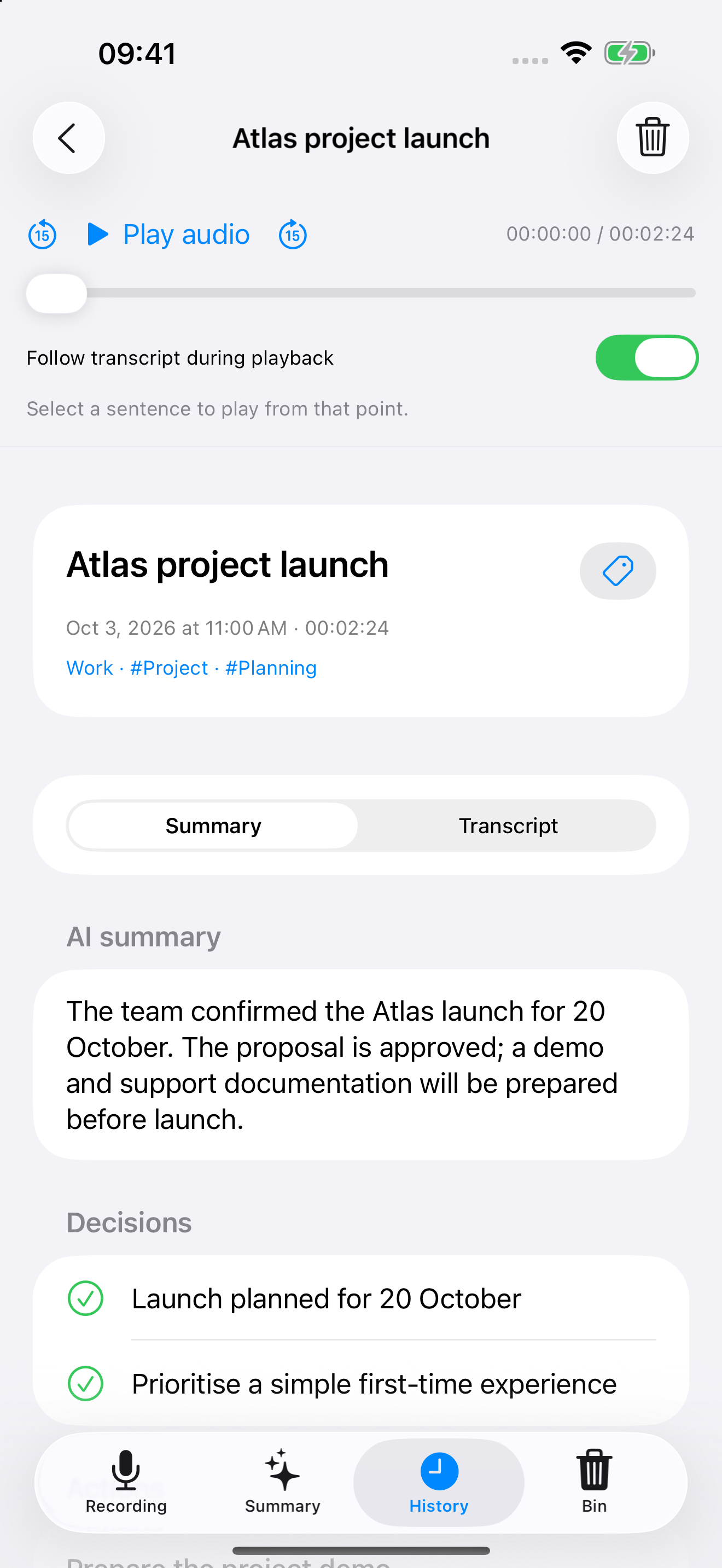
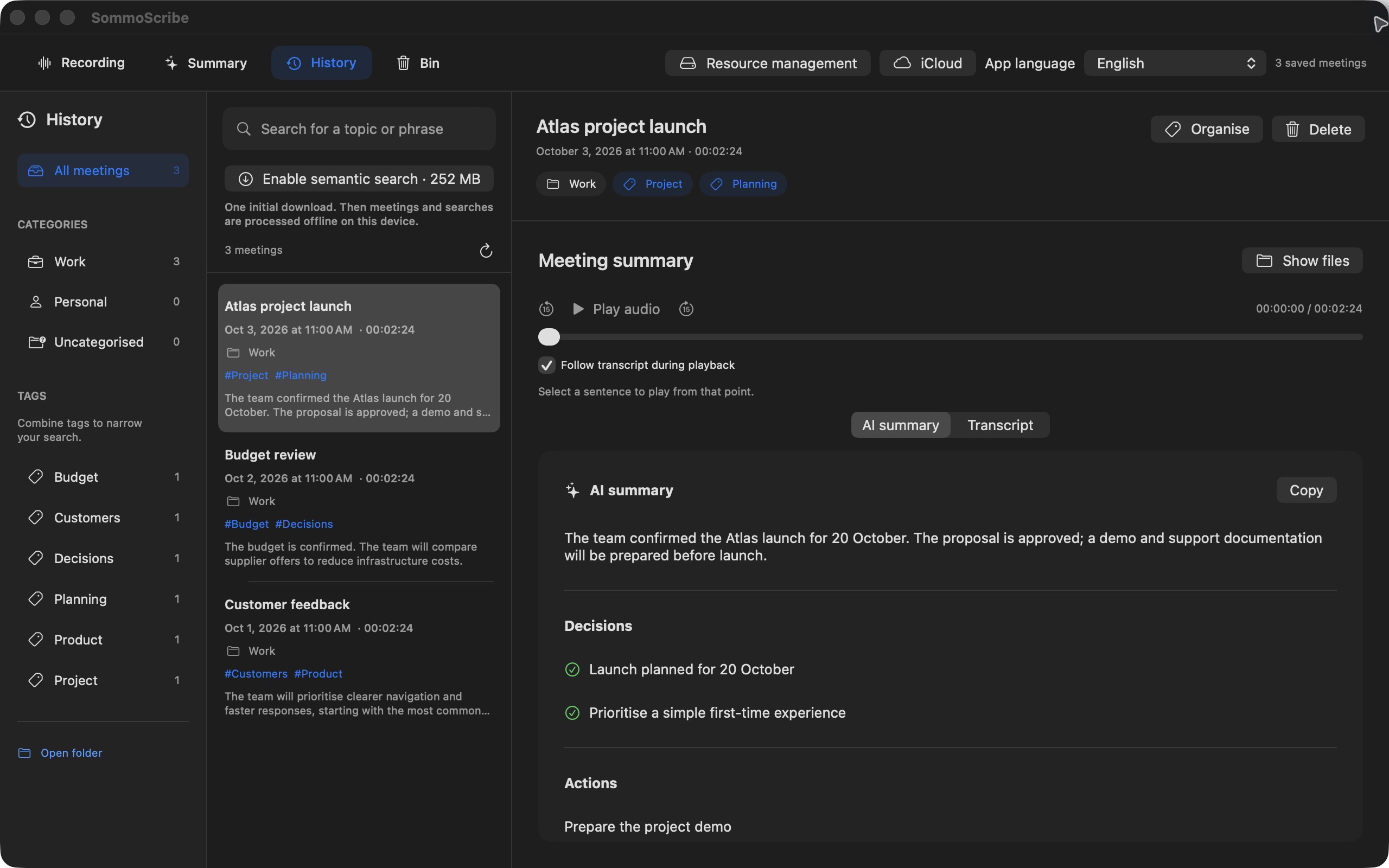
From conversation to next steps.
Listen during the meeting. Review afterwards. Find the original passage whenever you need it.
Record and transcribe
Follow the text as people speak. On iPhone and iPad, record with the microphone; on Mac, capture app audio too.
Review, with the source intact
Improve the transcript and separate voices. With supported Apple Intelligence available, generate summaries, decisions and action items. Always verify suggestions against the original sources.
Find and organise
Categories, tags and keyword or semantic search. Open a passage at its timestamp and listen to the audio again.
On-device AI. Sync on your terms.
Audio and text are not sent to the developer or a remote AI service. Models are downloaded to your device. If you enable iCloud, text, metadata and a compressed audio copy sync through your private Apple account.
Read the privacy policy →Before you start
iPhone and iPad
iOS / iPadOS 26 or later. Record in-person meetings, including with the screen locked; phone calls and other apps’ audio are not captured.
Mac
macOS 15 or later. Full local AI features require macOS 26; summaries require compatible Apple Intelligence, enabled and available.
Get participants’ consent before recording. Initial resource preparation needs a connection and free storage.